Dates & time zones
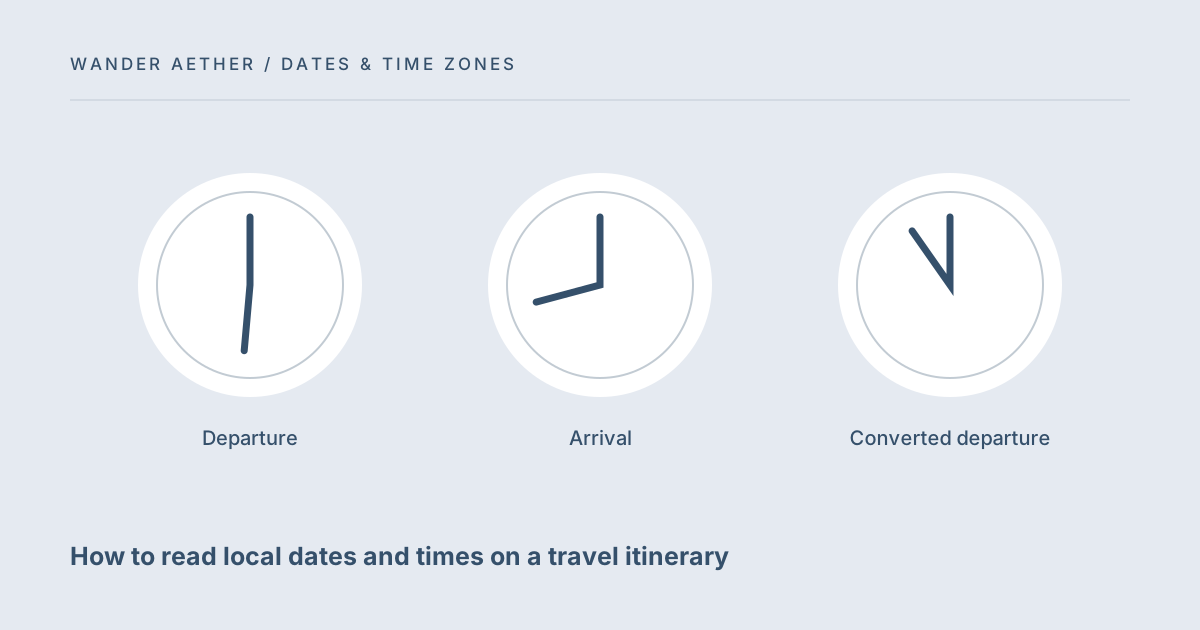
How to read local dates and times on a travel itinerary
Interpret departure and arrival clocks without confusing their local dates.
Translate one dated local event into another time zone, with skipped and repeated-hour checks.
Your result will appear here.
Calculation happens in your browser. No account, automatic input saving or backend submission.
Use Intl.DateTimeFormat to obtain nearby offsets, test candidate instants against the requested wall time, reject gaps and distinguish repeated times.
Enter 1 November 2026 at 01:30 in America/New_York and choose UTC. On browsers with the conventional rules, earlier/later selects different repeated-hour moments.
Load example restores the illustrative inputs and calculates. Reset restores those input defaults and clears the result. When an input changes, calculate again before exporting so your saved record matches the current assumptions.
Uses browser/OS time-zone rules. Curated zones, years 2000–2100 and minute precision. No live flight data; recent government rule changes may not yet be installed.
The result answers the stated calculation only. Check real bookings, provider rules and current route details separately where they affect your travel. Text exports are snapshots; the site does not synchronize or import saved results.
No itinerary identifiers are required and nothing is submitted to a service.
Read the privacy policy for hosting and device boundaries. Downloaded files and clipboard contents exist outside this page.
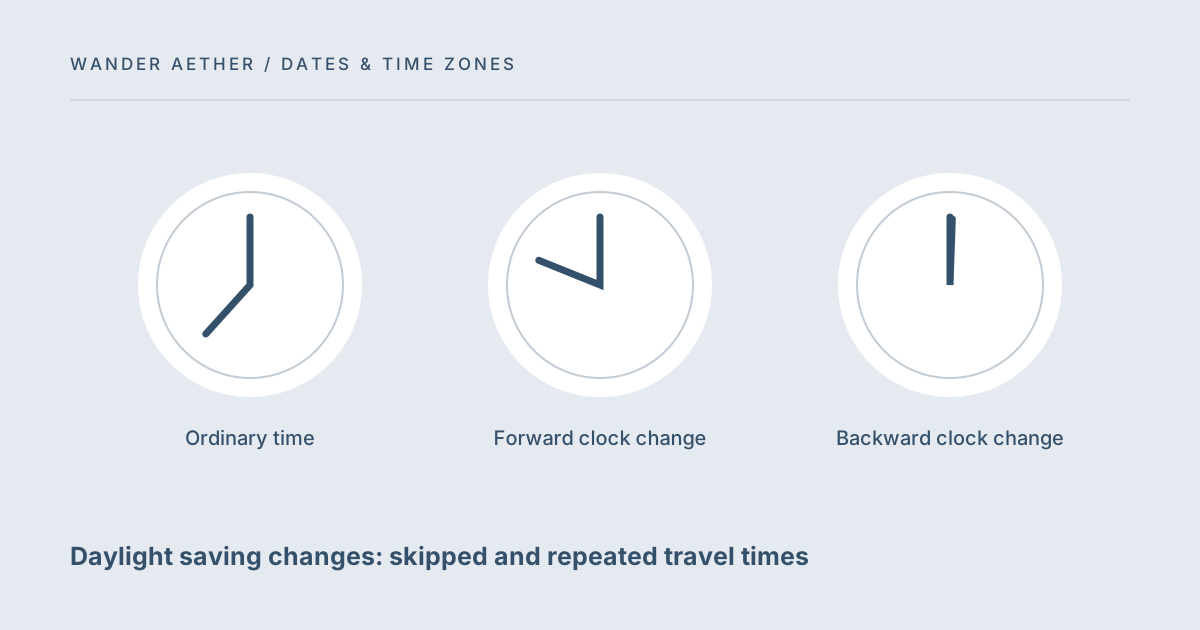
A forward clock change can skip that local time. Verify the date and booking before choosing a different time.
Most local times occur once. The choice matters only when the source time repeats.
No. It translates an event you provide and does not verify transport schedules.
Interpret departure and arrival clocks without confusing their local dates.
Resolve nonexistent and ambiguous local times around clock changes.
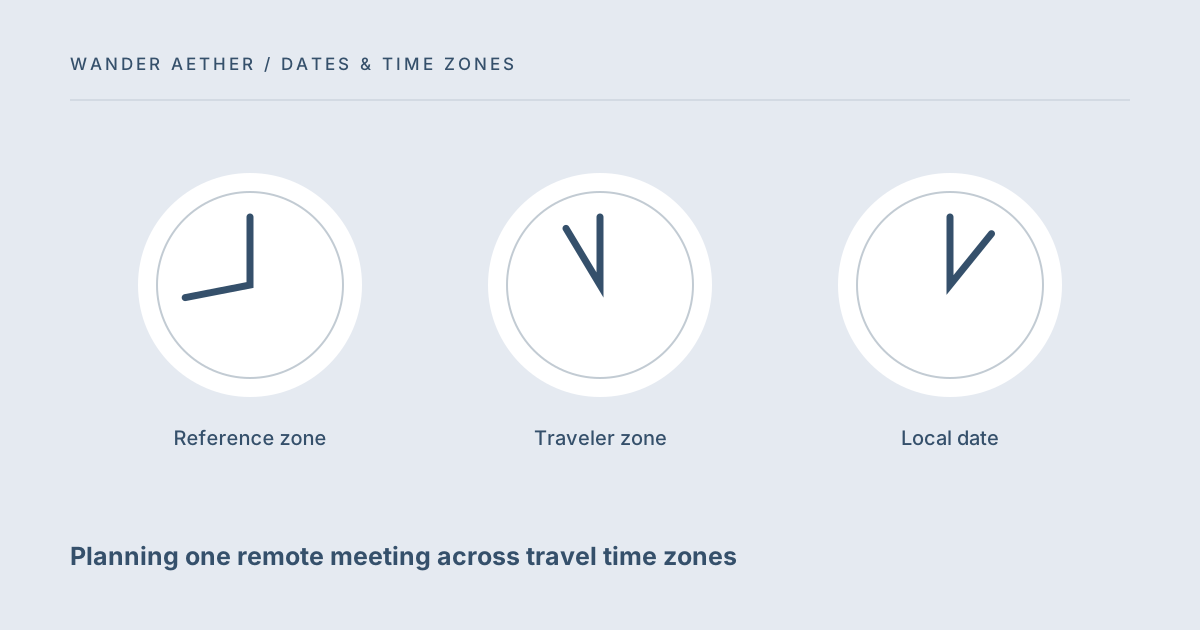
Choose and communicate one meeting instant across different local clocks.
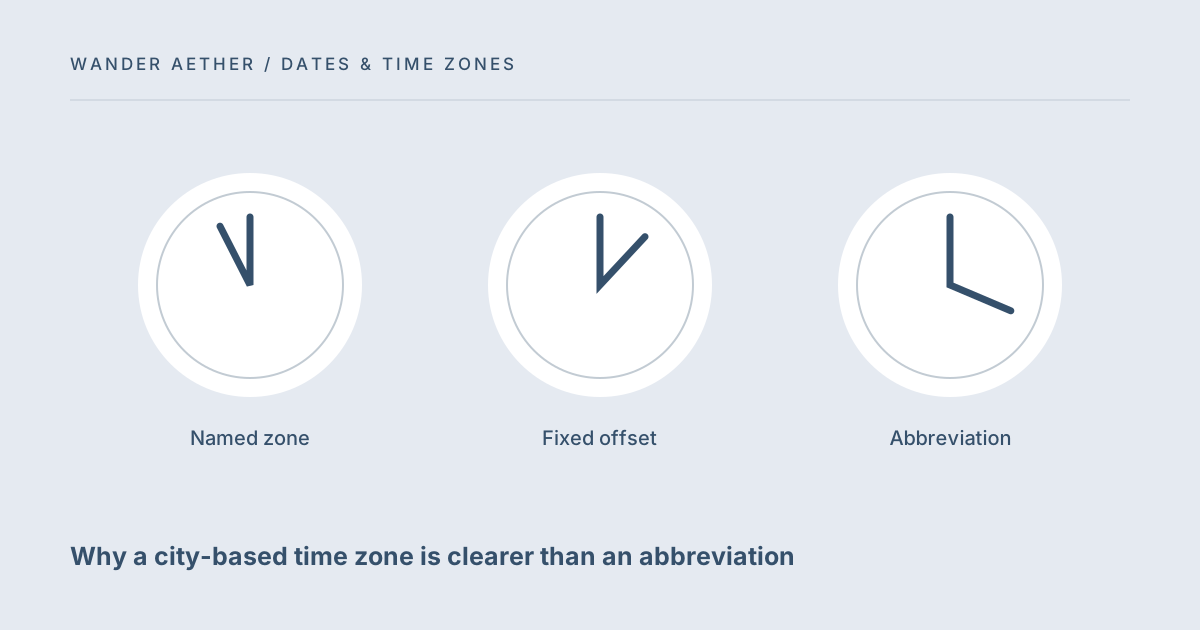
Select the correct named time zone and avoid ambiguous abbreviations.
Count inclusive travel dates and the nights between them without daylight saving arithmetic errors.
Open tool →Build a checkable packing list around your trip length, weather, activities and laundry plan.
Open tool →