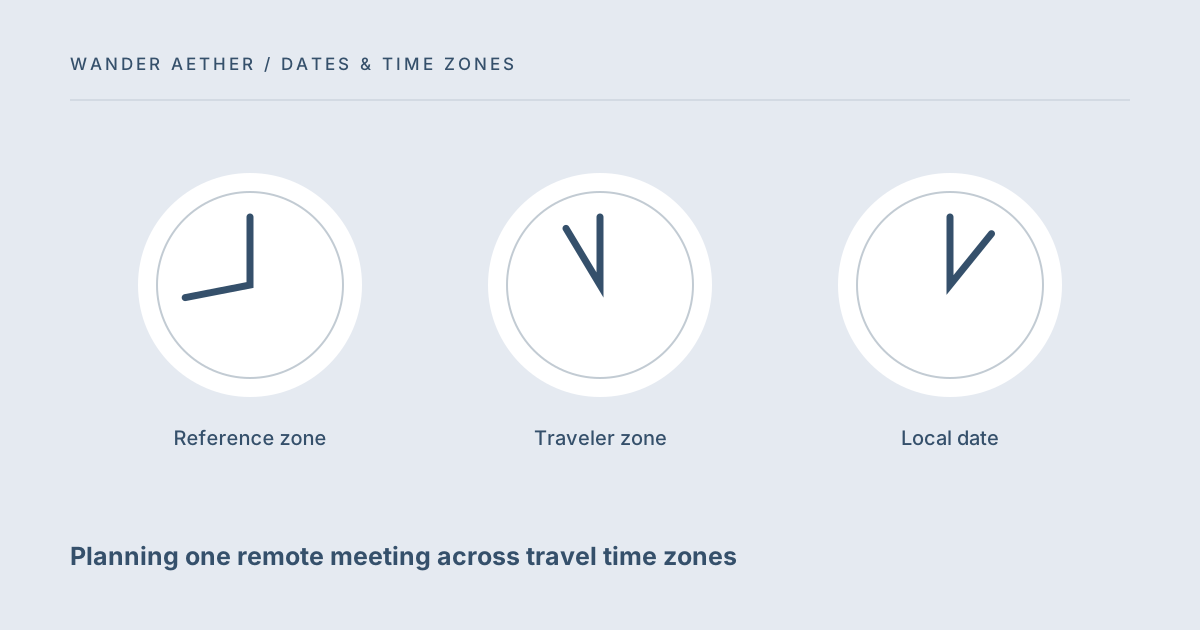
A remote meeting while traveling needs one shared moment and several local descriptions of it. It is easy to schedule a call around a familiar home clock and forget that the trip date changes the offset or moves the meeting into the next day abroad. This workflow starts with the person who owns the meeting time, converts that event for the traveler and makes the invitation understandable without requiring everyone to do mental arithmetic.
Choose the reference event explicitly
Decide which location's calendar anchors the meeting. A call organized by someone in London might be fixed at 09:00 Europe/London, even while you are in another country. Record the specific date and zone before translating it. If the meeting is intended to follow your location instead, explain that it may move relative to people at home. A recurring meeting has an additional complication: the two locations can change seasonal offsets on different dates. One successful conversion for this week does not prove that next month's local time is identical.
Check the local day as well as the hour
Convert the reference event into your travel zone and read the full date. A late home meeting can become tomorrow morning abroad. Compare it with hotel checkout, transport departures and quiet access to a suitable place. The tool checks clocks, not whether you will have internet, power or an acceptable meeting environment. Build those logistical needs into the plan. If the call falls during a transfer, moving it may be more sensible than inventing a tight schedule around uncertain connectivity and an arrival time you cannot control.
For the next input check, use Travel Time Zone Converter. Its result should retain the assumptions described here.
Send an invitation that retains zone information
Use your calendar's zone-aware event fields where available, and include an explicit text note with the reference zone and traveler-local date. Avoid calling a zone simply local when attendees are in different places. Copying the converter's source and destination lines into your private meeting note preserves enough context to review the event later. Do not paste sensitive meeting details into a shared device merely to test a conversion. The tool does not require names, meeting links or contact details; a date and two zones are sufficient.
Recheck after a date or itinerary change
A moved flight may put you in a different zone on the meeting day. A rescheduled call may cross a seasonal clock transition. Recalculate when either the reference event or your location changes. For a series of calls, review the first date after each known seasonal transition instead of assuming a fixed offset throughout the trip. Where the source time repeats, confirm which occurrence the organizer means. A clear event with UTC and named-zone context is easier to repair than a chain of messages saying the call is now an hour earlier.
A related planning question is covered in Why a city-based time zone is clearer than an abbreviation.
A recurring call during a longer trip
Suppose your trip lasts six weeks and crosses a seasonal clock change in one location. Build a short meeting-date list and convert representative occurrences before and after that change. If the meeting remains fixed to the organizer's named zone, your local clock may move even though the organizer still sees the same weekly hour. If both regions change clocks on different dates, there may be a temporary period with another offset. A recurring calendar invitation can handle zone-aware events, but verify what it displays on the relevant dates. Do not rewrite the series using one fixed offset measured at departure. Also check where you will physically be for each occurrence; a journey between cities changes the destination zone independently of daylight saving. Store the reference-zone decision with your meeting notes. That single sentence makes later edits easier: the call follows the organizer's local clock, or it follows another explicitly chosen convention. The converter supplies dated examples that help you verify the actual invitation, rather than promising that one conversion validates an entire series.
Worked example
Worked example: A London organizer sets a call for 09:00 on a chosen travel date, while Sam expects to be in Bangkok. Sam enters that date and time with Europe/London as the source and Asia/Bangkok as the destination. He records the destination date and time alongside a note that London remains the reference zone. His itinerary changes and he will instead be in Tokyo that morning, so he changes the destination to Asia/Tokyo and checks the result again. He also allows setup time before the call rather than placing a sightseeing stop right against its start. If the meeting moves to another month, he makes a new dated conversion.
Reference table
| Item or scenario | Value or choice | What to remember |
|---|---|---|
| Reference zone | Organizer location | Defines what stays fixed |
| Traveler zone | Location on meeting date | May change after itinerary edits |
| Local date | Full calendar date | Prevents next-day misunderstandings |
| Setup buffer | Separate time allowance | Connection and environment are not calculated |
Before you finish
- Name the zone that anchors the meeting.
- Use the exact meeting date in the conversion.
- Compare the destination-local date with the travel calendar.
- Keep preparation time outside the call itself.
- Recalculate after location or meeting-date changes.
Your next step
A converter supports the invitation; it does not replace the shared calendar. Once the time is agreed, check that the actual invitation displays the expected local time on your device. Use the itinerary pace tool to protect the time around the call if sightseeing and travel share the same day.
Continue with How to read local dates and times on a travel itinerary. When your plan needs the next calculation, open Trip Budget Planner and carry over only the inputs appropriate to that tool.
Time-zone reference
The IANA Time Zone Database explains the source of place-based clock rules. This site uses the data available in your browser, not a live database download.