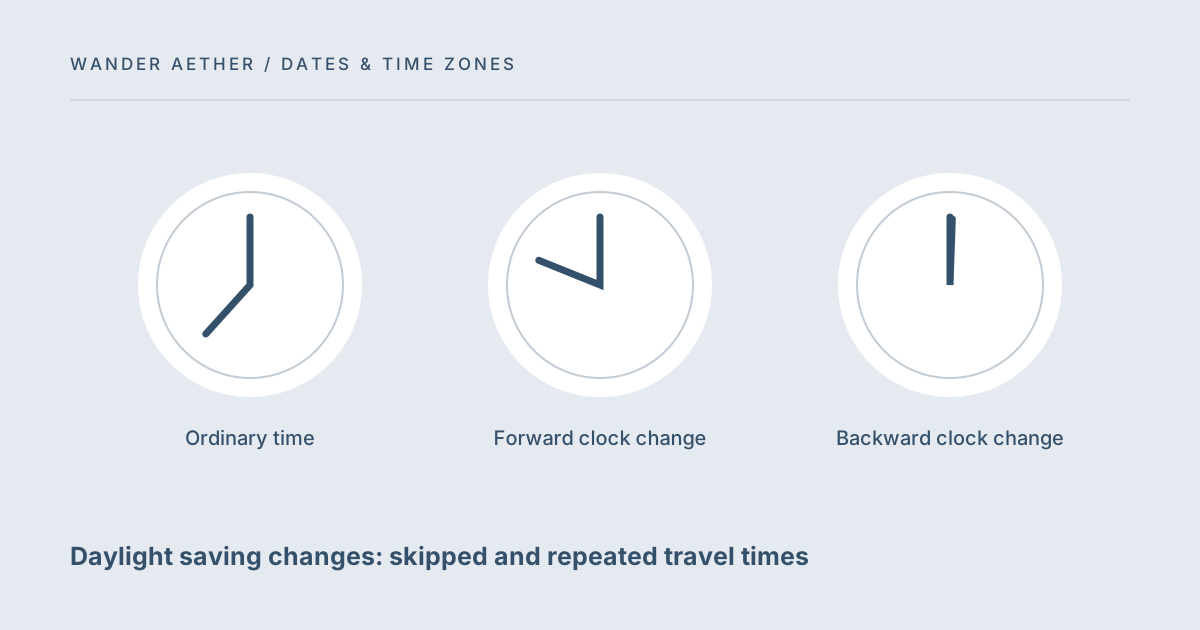
Most local clock times point to one moment. Around a daylight saving transition, a local time may point to no moment or to two different moments. This is why a converter needs the travel date as well as the cities. Wander Aether checks for both conditions rather than quietly selecting a guessed timestamp. The explanation here concerns clock interpretation; it cannot tell you which occurrence a carrier, hotel or organizer intends for an ambiguous booking.
A forward change can remove local times
When a clock moves forward, part of the wall-clock sequence is skipped. If the clock jumps from 01:59 to 03:00, a requested local time of 02:30 never occurs on that date. There is no honest conversion of that nonexistent source time. The tool rejects the input and asks you to choose another time. Do not solve a rejected booking time by moving it one hour yourself unless the provider confirms that correction. A copied date, city or clock reading may be wrong, and the correct remedy depends on which part is mistaken.
Testing the difference between two occurrences
For a repeated local source time, calculate both the earlier and later choices and inspect their UTC timestamps. The fact that the local source line looks the same is expected; the underlying moments differ. Copy both candidate notes temporarily if you need to discuss the booking with its provider, making the unresolved choice explicit. Once confirmed, retain only the intended event in the operational schedule so a second candidate cannot be mistaken for an alternate appointment. For a skipped local time, there are no candidates to compare. Review the input date, location and source document first. Do not choose the later setting as a repair for a missing time: that control resolves repetition, not nonexistence. This distinction is especially useful when a user sees an error and assumes the interface needs an arbitrary preference change. The tool is identifying a property of the source clock. The missing information belongs to the event description, so the successful workflow ends with confirmation rather than a guess that merely removes the error.
For the next input check, use Travel Time Zone Converter. Its result should retain the assumptions described here.
A backward change can repeat local times
When a clock moves backward, a portion of the local clock can be seen twice. The first occurrence and the second occurrence are different moments even though the date and clock numerals match. The tool offers earlier or later occurrence and marks the result when the source is ambiguous. Changing that option changes the UTC timestamp and may change the converted destination time. If a booking gives a UTC offset, compare it with the occurrences. If the information is incomplete, contact the provider rather than choosing whichever result fits your preferred schedule.
Use named zones with the actual date
Fixed-offset arithmetic cannot account for a zone whose offset changes during the year. Europe/London and America/New_York are examples of named zones with date-dependent rules. Your browser supplies the rules used by this tool. IANA maintains the underlying time-zone database, but browsers and operating systems may receive updates at different times. For future travel affected by a recently announced rule change, verify the event through the provider and an up-to-date clock source. Updating a device improves the calculation only if the relevant data update has reached that device.
A related planning question is covered in Overnight journeys: travel days are not hotel nights.
Keep the occurrence choice in your saved note
Exporting only a local time loses the distinction that caused the ambiguity. Save the zone, the full local date, the selected occurrence and the UTC timestamp together. These details make the note understandable to someone using a different device or reviewing it later. For ordinary dates the earlier/later control makes no difference because there is only one matching moment. That is expected behavior, not a broken switch. Test both settings only when the converter identifies a repeated source time and you have a reason to compare the two possibilities.
A case to check
Worked example: Enter 1 November 2026 at 01:30 in America/New_York and convert to UTC. Under the conventional rules included in current browser data, the local time repeats when the clock moves back. Earlier selects one UTC moment; later selects the following occurrence an hour afterward. Now test 8 March 2026 at 02:30 in the same zone. Under those rules the forward change skips that time, so the tool refuses to produce a result. These are useful test cases for understanding the interface, not a substitute for checking a real booking. The exact behavior depends on the time-zone data installed in your browser.
Reference table
| Item or scenario | Value or choice | What to remember |
|---|---|---|
| Ordinary time | One matching instant | Earlier/later gives the same result |
| Forward clock change | Potentially no instant | Tool rejects a skipped time |
| Backward clock change | Potentially two instants | Choose and record the occurrence |
| Recent rule update | Device data may lag | Verify critical travel events |
Before you finish
- Enter the full travel date and named source zone.
- Read the repeated-time warning before saving a result.
- Keep the UTC timestamp with an ambiguous event.
- Treat a skipped-time error as a reason to verify the input.
- Update your browser and confirm important bookings externally.
Your next step
The reference for the underlying concept is IANA's Time Zone Database, linked in the article sources. A time tool is useful because it reveals uncertainty instead of hiding it. When the booking itself is ambiguous, the next useful action is to clarify the event, then run the conversion with that confirmed information.
Continue with Why a city-based time zone is clearer than an abbreviation. When your plan needs the next calculation, open Trip Budget Planner and carry over only the inputs appropriate to that tool.
Time-zone reference
The IANA Time Zone Database explains the source of place-based clock rules. This site uses the data available in your browser, not a live database download.