Departure and return dates define the calendar span of a trip, but that span does not always equal the number of hotel nights you need. Overnight flights, trains or buses can occupy nights without using accommodation. The date counter deliberately reports both inclusive calendar days and the difference between the entered dates. This guide shows how to use those two numbers without converting them into an automatic lodging booking.
Count the calendar endpoints consistently
For packing and broad itinerary planning, include both the departure date and the return date. A Friday-to-Sunday trip therefore spans three calendar days. The difference between those dates is two nights. The tool calculates using UTC calendar values so the result does not acquire an extra hour from a local daylight saving transition. It is counting dates, not elapsed travel hours. A trip leaving late Friday and returning early Sunday still touches three dates even though the elapsed duration is much shorter than three complete twenty-four-hour periods.
Build the accommodation list separately
Write each place where you plan to sleep, including transport. Then list the lodging check-in and checkout dates for each accommodation segment. A flight departing one evening and arriving the following morning may replace the first hotel night, but early arrival access can still be an issue. A return overnight journey can create another difference between trip nights and lodging nights. Do not assume a room is available before its stated check-in time. The tool cannot read hotel policies, confirm early access or decide how an overnight journey should be charged.
For the next input check, use Trip Days & Nights Counter. Its result should retain the assumptions described here.
Label dates with their locations
When an itinerary crosses zones, a date at home and a date at the destination may differ at the same moment. Use the booking's stated local dates for each journey event, and use the destination-local dates for lodging at that destination. The timezone converter can help translate an exact departure or arrival moment, but it does not decide which dates belong in a room reservation. That reservation must match the provider's local check-in and checkout convention. Preserve the source of each date so a later itinerary change can be reviewed without guessing.
Pass separate day and night counts to the budget
The budget tool accepts days and accommodation nights as separate fields precisely because these plans differ. Food and daily transport may apply on travel days even when no room is needed. One-off transport costs belong in their own field rather than being multiplied by every day. Once you have the lodging segments, sum the nights that actually require the entered room cost and use that number. If prices vary by segment, calculate each accommodation subtotal outside the simple single-rate model and use a clearly labelled combined estimate.
A related planning question is covered in How to read local dates and times on a travel itinerary.
When an early arrival needs a room anyway
An overnight flight may replace a sleep night in transit, but an early arrival can create a separate room-access decision. If you book accommodation from the previous local date to guarantee arrival access, the hotel-night count may include a night you did not spend physically in the room. That can be a valid booking choice if confirmed with the provider; it cannot be inferred from the date counter alone. Write the booked check-in date, arrival date and access arrangement in the lodging table. Check how the provider handles late arrival or a room held overnight so the reservation matches your actual plan. This example shows why nights are an operational booking unit as well as a calendar difference. The packing day count still follows the dates you selected, while accommodation cost follows the booking segments you intentionally purchased. Keeping both records avoids an apparent contradiction in which the trip has fewer occupied room nights than paid room nights. The budget should represent the paid arrangement, clearly labelled, rather than silently replacing it with the date-counter output.
Worked example
Worked example: A traveler departs on 10 October and returns on 18 October. The date counter gives nine calendar days and eight nights between dates. An overnight outbound journey occupies the first night, and a daytime return leaves seven hotel nights. The traveler enters nine days and seven accommodation nights in the budget, not nine and eight by default. A second itinerary uses an overnight return and therefore has another non-hotel night. Neither pattern changes the calendar span automatically. The accommodation table, transport bookings and local dates explain why the lodging count differs, and that explanation should stay with the budget.
Reference table
| Item or scenario | Value or choice | What to remember |
|---|---|---|
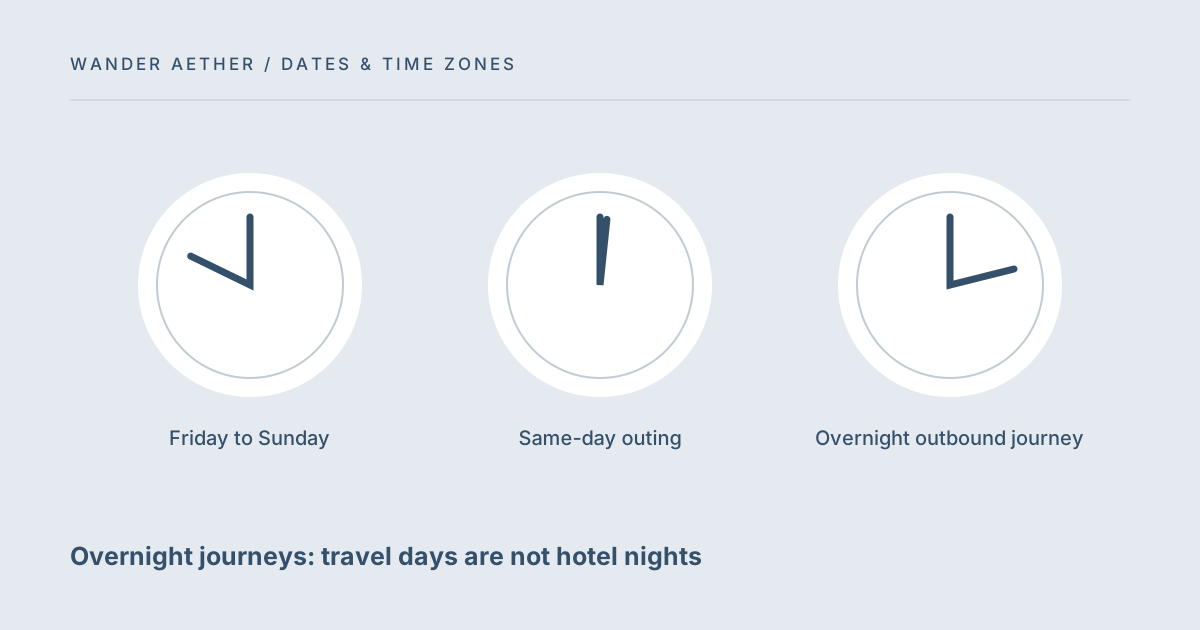
| Friday to Sunday | 3 days / 2 nights | Calendar span only |
| Same-day outing | 1 day / 0 nights | No date change |
| Overnight outbound journey | May reduce lodging nights | Check arrival and room access |
| Several hotel segments | Sum booked nights | Do not infer from total trip span |
Before you finish
- Include both departure and return in the calendar-day count.
- List every sleep location independently.
- Use local lodging dates for check-in and checkout.
- Confirm early arrival access rather than assuming it.
- Enter actual accommodation nights separately in the budget.
Your next step
Save a short date table with your plan: event, location, local date and whether lodging is required. This compact record makes the difference between days and nights visible. It also gives you a precise place to update the plan when a transport schedule changes instead of rewriting an entire packing and budget calculation.
Continue with Daylight saving changes: skipped and repeated travel times. When your plan needs the next calculation, open Trip Budget Planner and carry over only the inputs appropriate to that tool.
Time-zone reference
The IANA Time Zone Database explains the source of place-based clock rules. This site uses the data available in your browser, not a live database download.