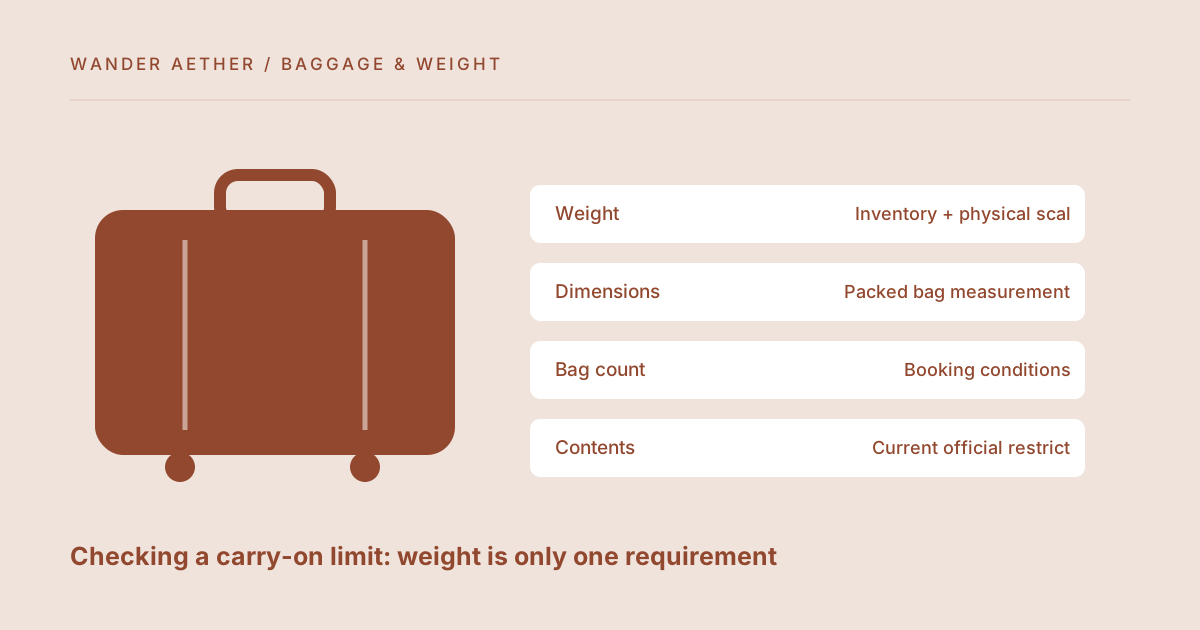
A weight estimate below a limit does not establish that a carry-on is accepted. Size, number of bags, ticket conditions and permitted contents are separate questions. The baggage tool checks only the numerical weight allowance you supply. This guide turns that narrow result into a useful review sequence while keeping current airline and airport rules with the organizations that publish them. No universal cabin-bag allowance is assumed here.
Reference table
| Item or scenario | Value or choice | What to remember |
|---|---|---|
| Weight | Inventory + physical scale | Compare with entered ticket limit |
| Dimensions | Packed bag measurement | Include parts required by the rule |
| Bag count | Booking conditions | Check personal-item treatment |
| Contents | Current official restrictions | Not evaluated by the calculator |
Start with the rules for the actual booking
Find the baggage information attached to your ticket and operating carrier. A general search result or a friend's previous allowance may describe another fare, route or date. Record the weight limit you intend to enter, the dimensions, whether handles and wheels count and how additional personal items are treated. This article does not reproduce changing carrier rules. Use the carrier's own booking information for that purpose. If several operators are involved, confirm the requirements relevant to each leg rather than applying the most generous rule to the entire journey.
Enter one bag scope clearly
Decide whether the inventory represents the cabin bag alone or a combined set of items under a combined allowance. The calculator will sum whichever rows you enter; it cannot infer the carrier's scope. Keep the empty-bag weight and contents for that scope consistent. If you are checking two separate bags, calculate each separately with its own applicable limit. A total that fits a combined number can still leave one individual bag above a separate cap. Write the scope beside the exported result so it is not later mistaken for a different allowance check.
For the next input check, use Baggage Weight Estimator. Its result should retain the assumptions described here.
Measure the packed shape
Close the bag and measure it as it will be presented, including protruding parts according to the rules you verified. A soft bag can exceed its usual shape when overfilled, and an expanded suitcase can be much larger than its unexpanded specification. Check pockets that bulge and items attached externally. The weight calculator contains no dimension field because it does not certify compliance. Do not describe a positive weight margin as a pass. Treat it as one completed numerical check inside a larger, source-based review.
Run a final departure-day review
Last-minute changes can invalidate a careful earlier inventory. A laptop added from a work desk, a container filled before leaving or an extra outer layer placed inside the bag changes the weight and shape. Reweigh after those changes and keep any useful margin. Review contents restrictions using current official information for your route; this site does not make decisions about security acceptance. A plain checklist with source links and the date checked is more trustworthy than a generic statement that the bag is airline approved.
A related planning question is covered in Packing cubes: organization, volume and added weight.
A two-bag arrangement needs two scopes
Imagine a cabin suitcase and a small personal bag. If your booking describes separate limits, create separate inventories and compare each against its own applicable requirement. If it describes a combined weight limit, sum the relevant contents and both empty bags under that combined scope, while still measuring each bag's dimensions separately. The correct approach comes from the booking information, not from a preference for the result that fits. Keep the separate lists even when using a combined total so you know where items actually are. Moving a heavy device between bags changes individual weights but not the combined mass. It may improve accessibility or solve a separate cap, yet it does not create a saving under a combined rule. This simple conservation check catches a common planning mistake. After moving items, remeasure the bag shape if the move changes how pockets or expansion panels are used. The utility supports the arithmetic, while the source rule determines which arithmetic is relevant to the journey.
Worked example
Worked example: A traveler verifies an illustrative 7 kg allowance in the information for her particular ticket and enters 7 in the tool. Her inventory totals 6.6 kg, leaving 0.4 kg. She then adds a 0.5 kg device on departure morning, so the estimate rises to 7.1 kg. Even the earlier 6.6 kg result would not have confirmed acceptance if the expanded bag exceeded the applicable dimensions. She reweighs the final bag, measures the closed shape and reviews the rule for her separate personal item. The tool has supplied useful arithmetic without claiming to perform the carrier's entire check.
Before you finish
- Use the actual ticket and operating-carrier information.
- Record exactly what the entered allowance covers.
- Measure the bag in its packed and expanded state as used.
- Reweigh after travel-day additions.
- Keep size and contents checks separate from the weight result.
Your next step
A useful final record says estimated weight, measured weight, applicable limit and source checked. It avoids a broad compliance claim that a static tool cannot substantiate. Keep the inventory for future packing decisions, but repeat the source check whenever the booking changes.
Continue with Estimating bag weight from an item inventory. When your plan needs the next calculation, open Clothing Rotation Calculator and carry over only the inputs appropriate to that tool.